Xero - Adding (and removing) users in Dwellant

Dwellant Customer Support
· Updated
Adding a user Dwellant is super simple.
In Xero, you will need to add a contact to your organisation (building).
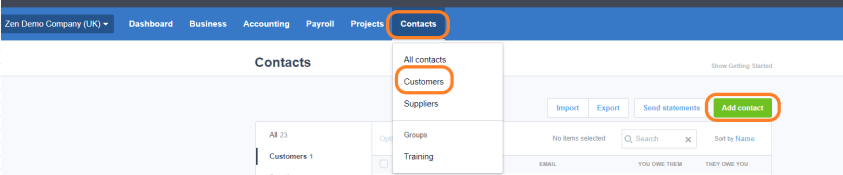
Add the name and email address (Note: the email address must not be a 3rd party email e.g. a letting agent or someone from your company)
This part is required by Xero but not tracked to Dwellant

This is the name and email that will appear in Dwellant
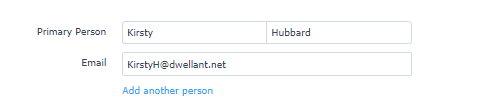
and a phone number

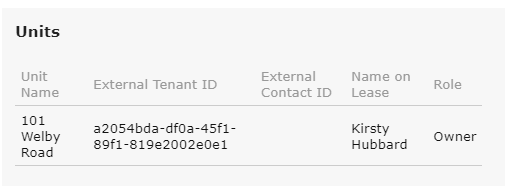
Street Address is what will be used to create the unit (This is required for the user to be imported)
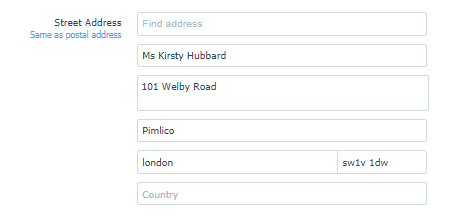
Dwellant will display
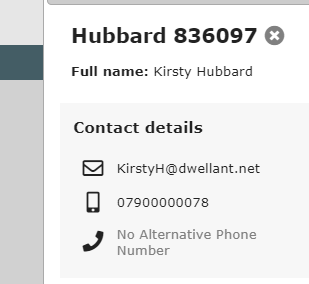
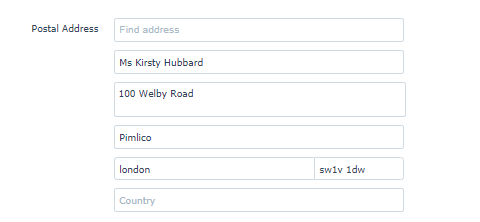
Postal Address is the Correspondence address
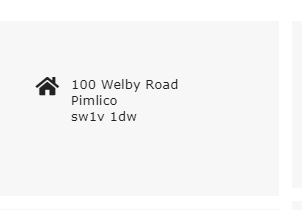
Dwellant will display
For the user to show you will also need to add an invoice to the user. In the example below, we have added a £0 value setup invoice.
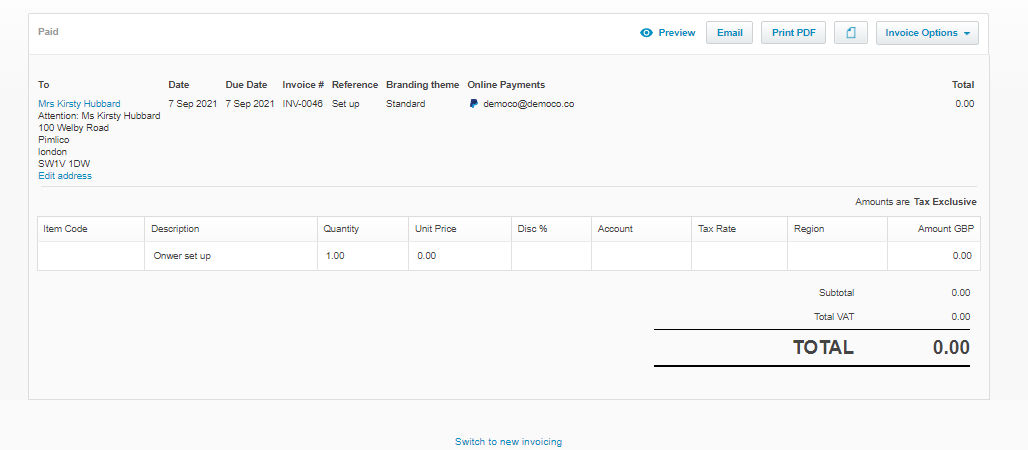
Full user display
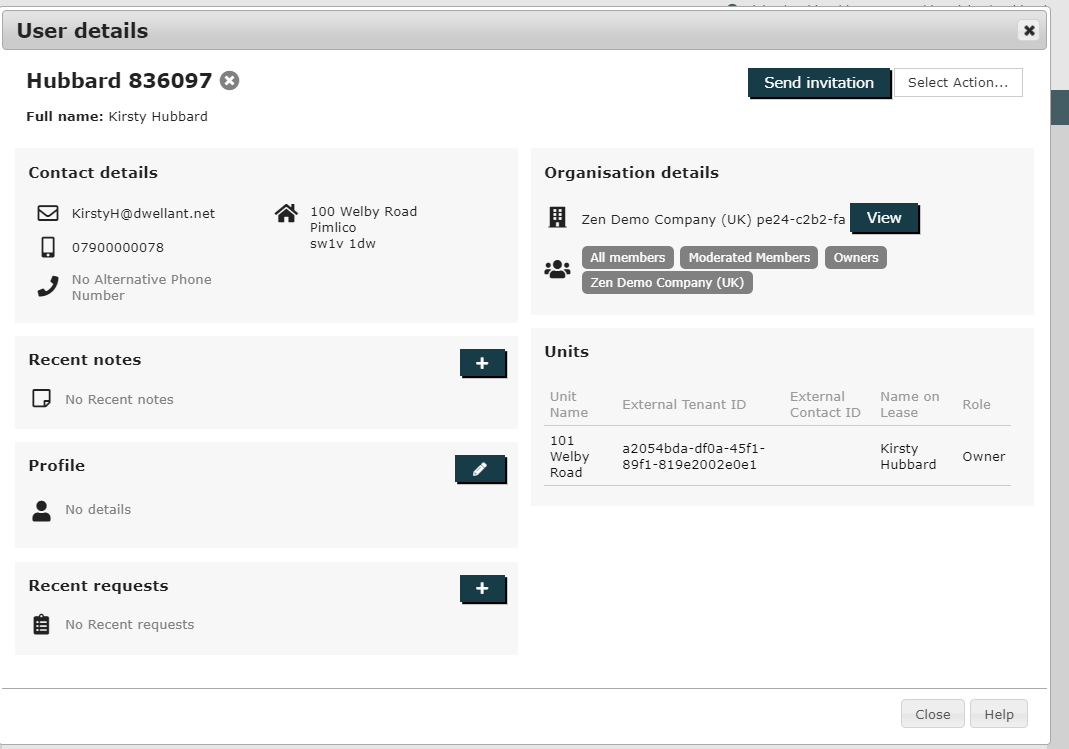
Users will appear in Dwellant the following day as we have a job that runs overnight.
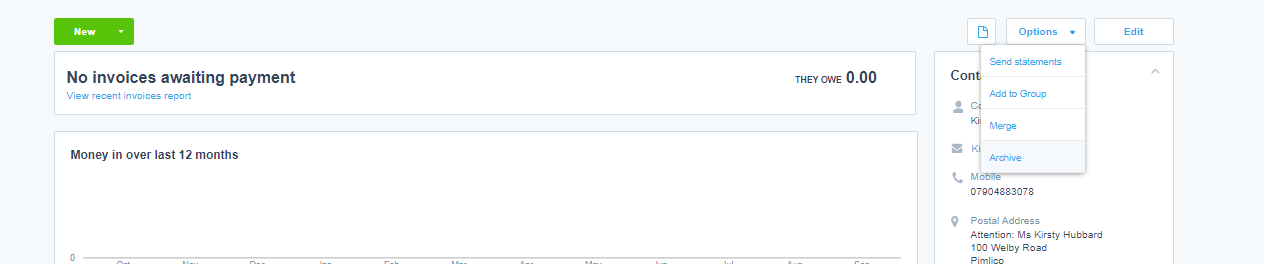
Warning: Do not Recycle or Megre user accounts. All accounts when finished with need to be Archived.
Was this article helpful?
0 out of 2 found this helpful
Have more questions? Submit a request