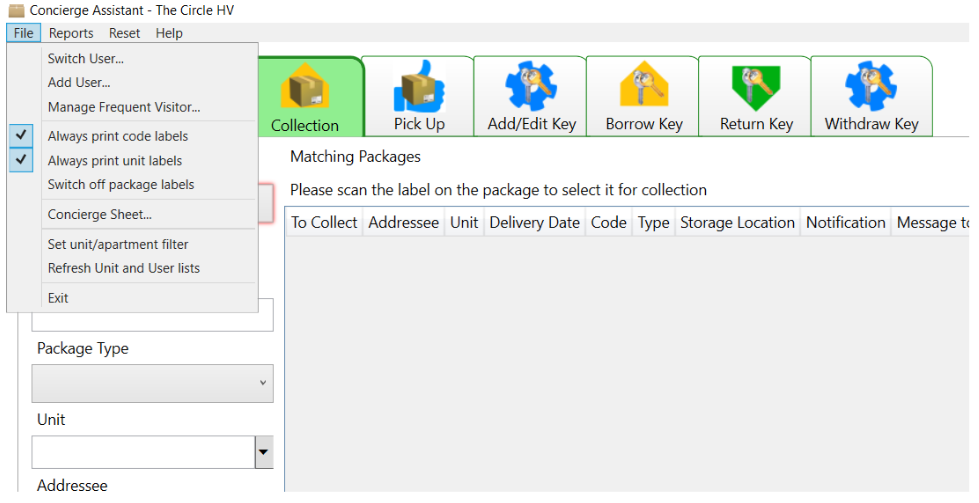
Take delivery

A delivery through HV takes 3-4 scans to fill the following tabs:
- Concierge
- Package Type
- Storage Location
- Package Barcodes (if available)
You will need to select the unit address and resident before you are able to Save.
This will notify the resident (via text and email) and print a package label, with an individual code.
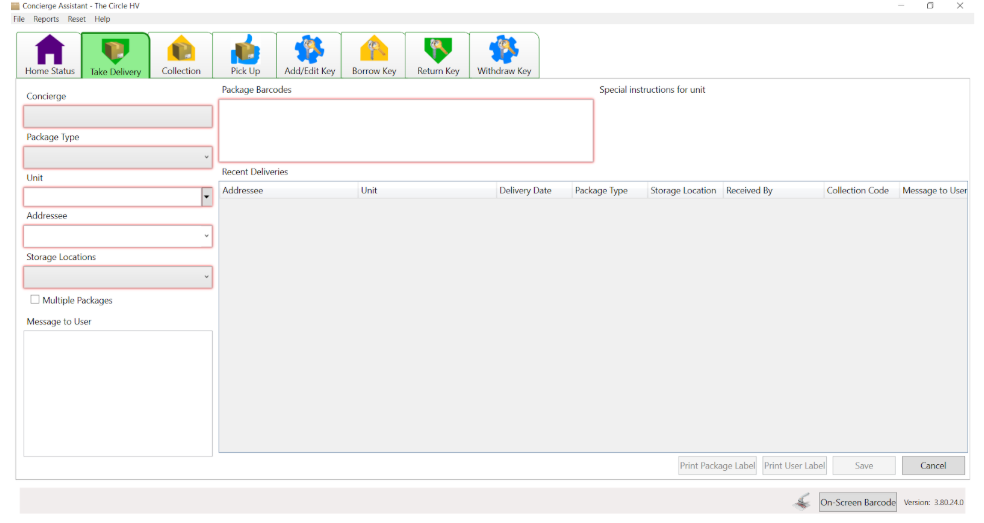
Single Package: Follow the steps above
Multiple Packages: Follow the steps above, before you Save, tick the Multiple Packages box, but only if you have a number of packages for the same person. After saving the first package you can add the further packages, you will simply need to scan in the ‘Type’ and ‘Location’ of the rest of that persons packages.
Offline User: If the name on the parcel is not listed in the unit, type the name manually into the Addressee field. The system can not send a notification, two labels will be printed, one for the package and a second for the postcard to be delivered to the recipient.
No Barcode: If the package does not have a barcode, the system will print a second label to put on the delivery.
Label Printing Preferences: Choose either or both of the following: