Borrowing a key

When a key is borrowed, scan your badge and key tag, this will show the key policy for that set of keys. The special instructions and number of keys and fobs in that set will be shown. If you are happy that the borrower is approved, you can select them from the drop down list of unit residents and trusted people, or manually add them and their contact details, before collecting their signature.
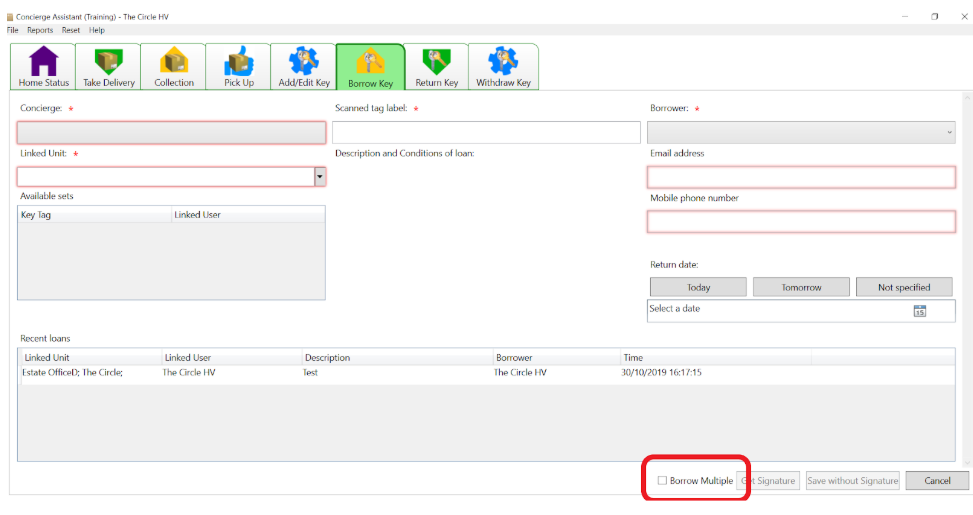
Borrow Multiple:
Ticking the Borrow Multiple box enables you to scan a number of key tags for the same borrower, you can collect one signature for the multiple keys, if the borrower complies with the policy for each unit.
Frequent Visitors:
These are visitors and contractors who frequently borrow sets of keys site keys, when their company and contact details have been added via Add Frequent Visitor under the File drop down tab.